Key Takeaways
- Blockchain app wallets let you store, send, and earn crypto directly from your phone.
- Leading wallets like Blockchain.com, Crypto.com Onchain, and Coin Wallet support 5,700+ assets and offer staking rewards up to 10% APY.
- Security features such as biometric authentication and self-custody protect your funds.
- Non-custodial wallets give you full control of your private keys; custodial wallets offer convenience and recovery options.
- Over 94 million wallets have been created on the Blockchain.com platform alone, reflecting mainstream adoption.
A blockchain app wallet is a mobile application that stores your public and private keys and connects to blockchain networks, enabling secure cryptocurrency management on your smartphone.
What Is a Blockchain App Wallet?

Definition and Basic Function
A app wallet is software installed on your phone that interacts with various blockchain networks. Instead of holding actual coins, it maintains the cryptographic keys required to authorize transactions. When you send Bitcoin or Ethereum, the wallet signs the transaction with your private key and broadcasts it to the network. This process ensures that only you can move your funds. According to Utimaco’s knowledge base, these wallets provide an easy-to-use interface while facilitating transfers over blockchain networks.
Why Use a Wallet on Mobile?
Mobile wallets offer unparalleled convenience. You can check balances, pay at stores that accept crypto, or trade on the go. The global user base for these wallet solutions has exploded: over 94 million wallets have been created on the Blockchain.com platform alone, and the Coin Wallet app serves 24 million users across 190 countries. These numbers show that mobile access is now the primary way people interact with digital assets.
Types of Blockchain App Wallets
Wallets vary by custody model and network support. Some, like the Crypto.com Onchain Wallet, are non-custodial, meaning you control the keys. Others, such as the standard Blockchain.com app, can operate in a custodial manner for ease of recovery. Multi-chain wallets support dozens of networks; the Blockchain.com DeFi Wallet, for example, handles over 5,700 tradable assets across Bitcoin, Ethereum, Solana, and more.
“No customer has lost funds due to a security breach on the Blockchain.com platform as of January 2026, a testament to robust encryption and security protocols.”
How Do Blockchain App Wallets Work?
Public and Private Keys Explained
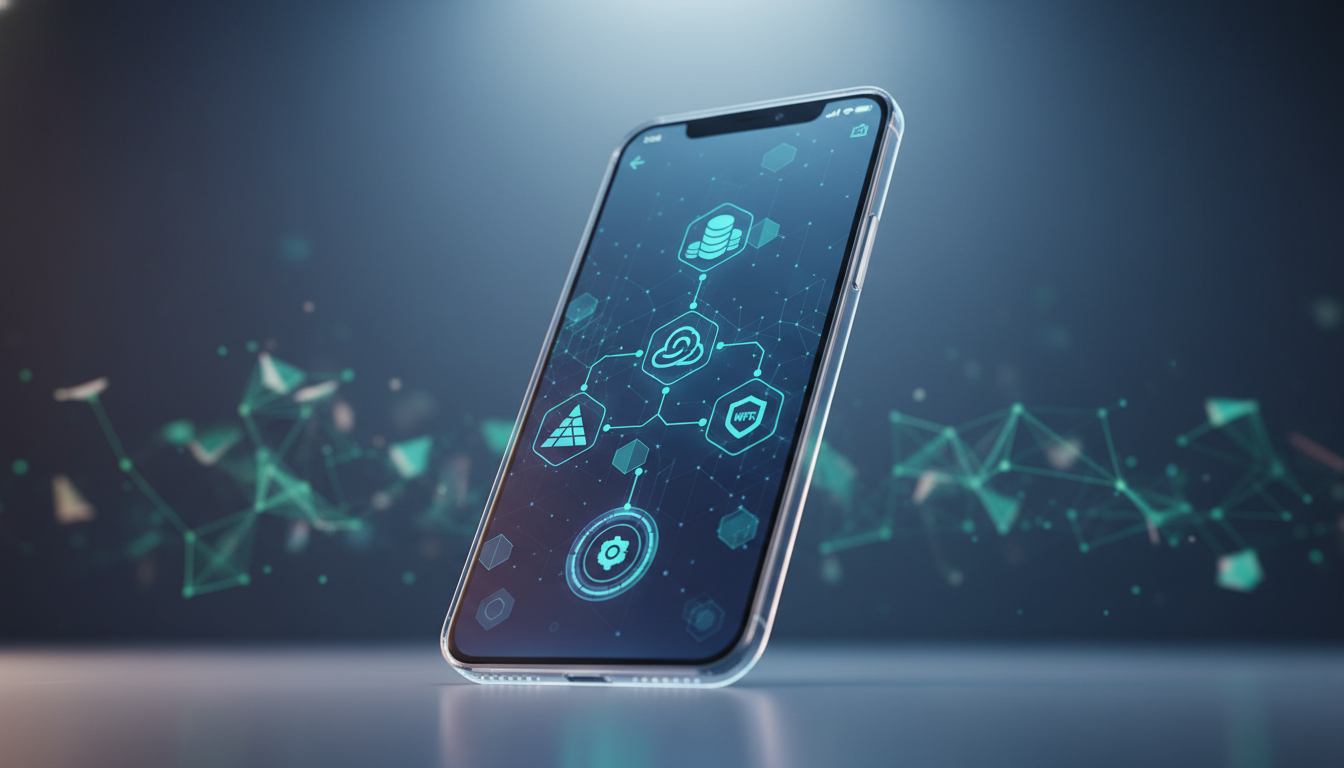
Every such wallet generates a pair of keys. The public key acts like an account number – you share it to receive funds. The private key is like a password – it must remain secret and is used to sign transactions. Wallets display a recovery phrase (a sequence of 12–24 words) that can restore your keys if your phone is lost. Losing this phrase means losing access to your funds permanently.
The Role of the Blockchain
When you initiate a transaction, the wallet sends a signed instruction to the blockchain network. Miners or validators confirm it and add it to a block. Blockchain.com has processed over $1.2 trillion in crypto transactions, all verified by a global network of nodes. The wallet simply reads the ledger to show your balance – it never holds the coins themselves.
Transaction Process Step‑by‑Step
- Initiate: Enter the recipient’s address and the amount.
- Sign: The wallet uses your private key to digitally sign the transaction.
- Broadcast: The signed transaction is sent to the network.
- Confirm: Miners include the transaction in a block; confirmations appear in your app.
Top Blockchain App Wallets in 2026
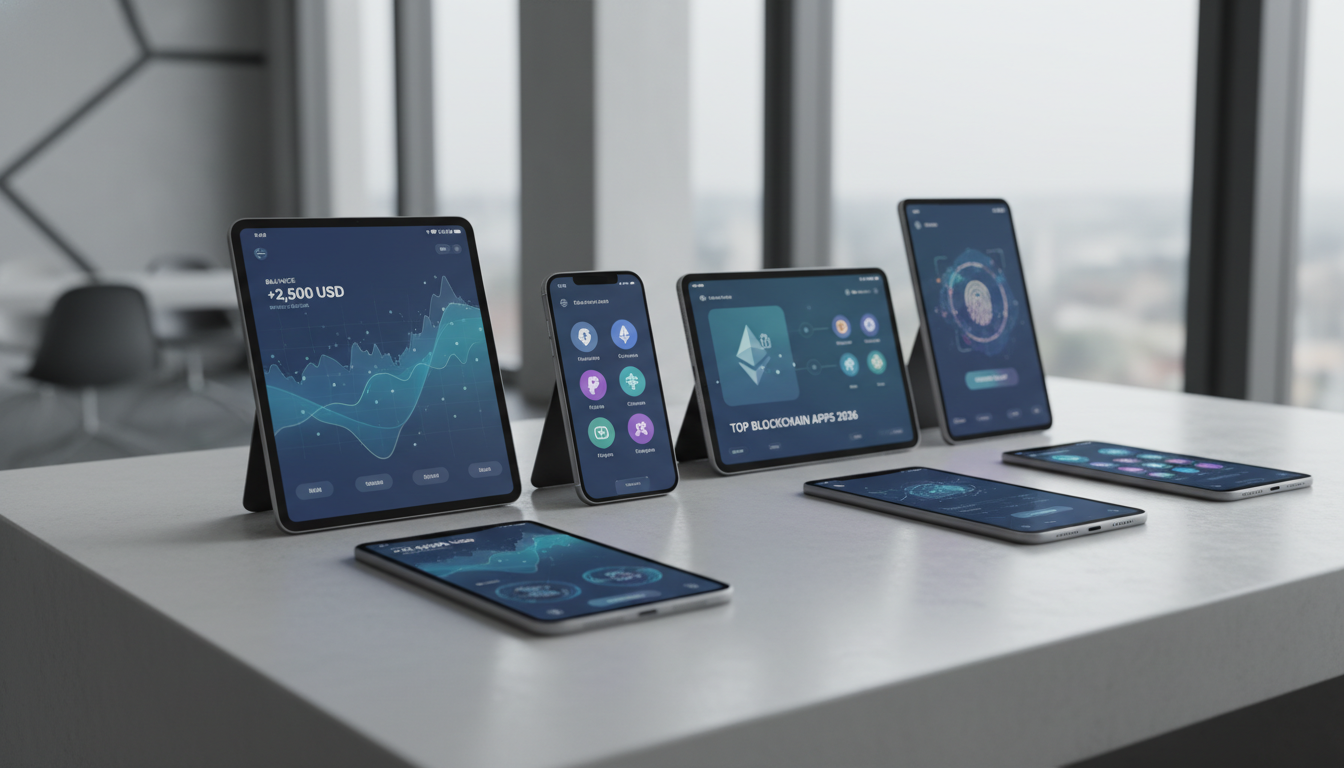
| Wallet | Downloads / Users | Rating | Assets Supported | Custody Model | Key Features |
|---|---|---|---|---|---|
| Blockchain.com Wallet | 10M+ downloads, 95M+ wallets | 4.0 (Google Play), 4.7 (App Store) | 5,700+ | Custodial & self‑custody option | Earn up to 10% APY, DeFi access, NFT management, 24/7 support for VIPs |
| Crypto.com Onchain Wallet | 21K ratings on App Store | 4.8 | Thousands (multi‑chain) | Non‑custodial | DApp browser, in‑app bridging, fiat on‑ramp via Apple/Google Pay |
| Coin Wallet | 24M+ wallets, 190 countries | N/A | 25+ blockchains | Self‑custodial | Web, desktop, mobile; built‑in exchange; Tor wallet option |
| Bitcoin.com Wallet | Millions of wallets | N/A | Bitcoin, Ethereum, ERC‑20, EVM chains | Self‑custodial | Multisig, saving/spending wallets, in‑app market data |
Blockchain.com: The Industry Pioneer
The blockchain app from Blockchain.com is one of the most established, having launched in 2011. It has amassed over 10 million Android downloads and a 4.7‑star rating from 184,000 reviews on the App Store. Users gain access to a full trading platform, staking rewards (up to 10% APY, variable), and a DeFi wallet for connecting to dApps. The app also offers an invite‑only VIP tier with priority support and exclusive events.
Crypto.com Onchain Wallet: For DeFi Enthusiasts
This non‑custodial solution holds a 4.8‑star rating on the App Store with over 21,000 reviews. It supports multiple chains and provides smooth access to decentralized applications, NFT marketplaces, and staking. Users can buy crypto with Apple Pay or bank transfers by connecting their Crypto.com account. The in‑app bridging tool makes moving assets between networks straightforward.
Other Notable Options
Coin Wallet, founded in 2015, serves 24 million wallets in 190 countries and offers a self‑custodial wallet with a built‑in exchange. Bitcoin.com Wallet emphasizes Bitcoin and EVM‑compatible chains, with multisig security for shared accounts and features like saving/spending wallets. Each blockchain app wallet has unique strengths, so the right choice depends on your priorities.
Key Features to Consider in a Blockchain App Wallet
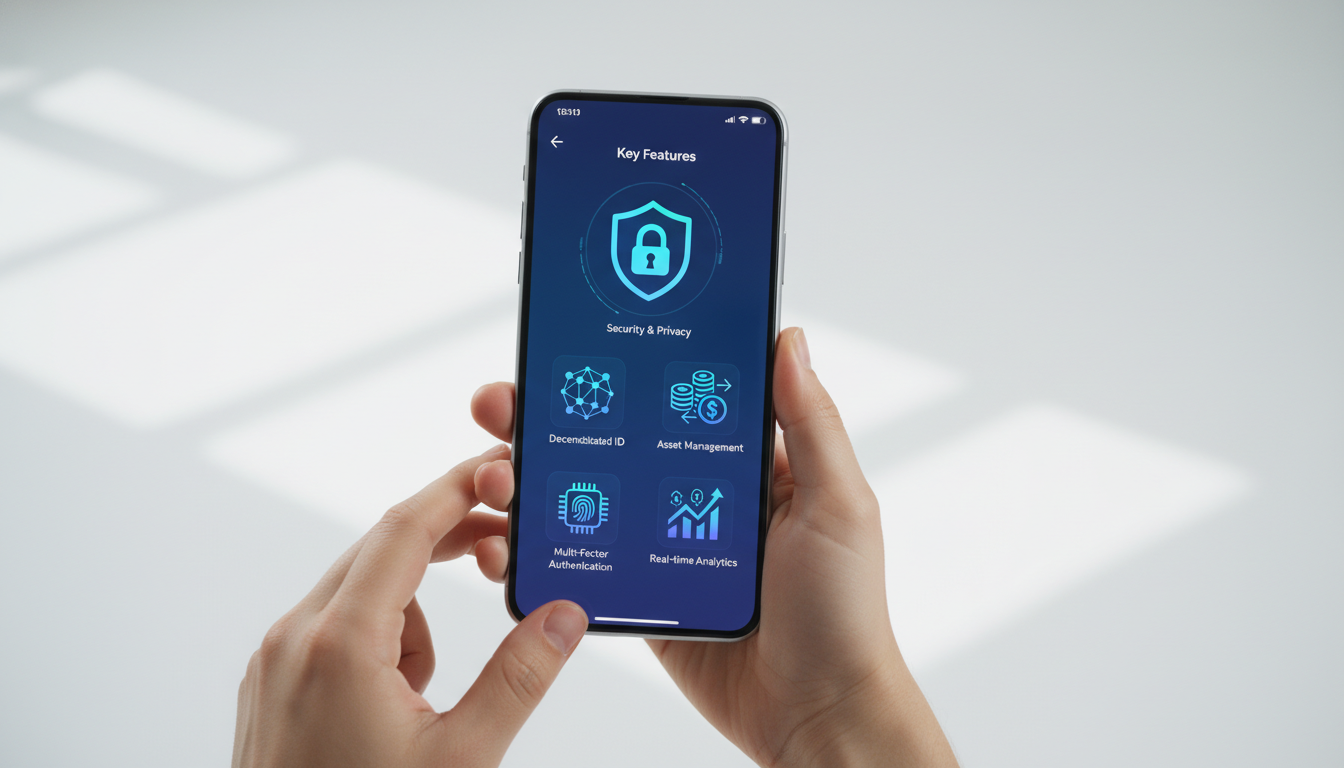
Security and Custody
Security is paramount. The finest wallets employ biometric authentication, secure enclave chips, and 12‑ or 24‑word recovery phrases. Blockchain.com boasts that it has never lost customer funds to a breach, and competitors follow similar protocols. Non‑custodial wallets like Crypto.com Onchain give you sole control of your keys, while custodial services offer insurance and support.
Supported Assets and Networks
If you trade multiple cryptocurrencies, a blockchain app wallet with wide asset support is critical. The Blockchain.com DeFi Wallet handles 5,700+ tokens across major chains, while Bitcoin.com focuses on Ethereum and EVM networks. Coin Wallet supports over 25 blockchains. Check whether your preferred tokens and DeFi platforms are compatible before choosing.
User Experience and Customer Support
An intuitive interface can make or break your experience. Look for clear navigation, real‑time charts, and easy buy/sell flows. Customer support varies – Blockchain.com offers 24/7 concierge care for VIPs, while community‑centric wallets may rely on FAQs and forums. The Google Play and App Store ratings (4.0–4.8 across top apps) reflect user satisfaction with ease of use.
How to Set Up Your First Wallet
Step‑by‑Step Getting Started
- Download: Get the app from an official store (Google Play or App Store). For example, the Blockchain.com app has over 10 million installs.
- Create Account: Provide an email and a strong password. You’ll receive a recovery phrase – write it on paper and store it safely.
- Verification: Complete identity verification (KYC) to unlock full features. Blockchain.com processes this in minutes.
- Fund Wallet: Deposit crypto from another wallet or buy directly with a credit card or bank transfer. Minimum purchases can be as low as a few dollars.
- Start Using: Send, receive, swap, or stake assets as desired.
Verifying Your Identity
Regulated wallets require KYC to comply with anti‑money laundering laws. You’ll typically need to upload a government ID and a selfie. This step is essential for linking bank accounts and accessing higher transaction limits. Most apps complete verification within minutes to a few hours.
Adding Funds and Making Your First Transaction
After verification, you can connect a payment method. The blockchain app wallet from Blockchain.com supports bank deposits and card purchases. Once funded, try a small transfer. Enter the recipient’s address, confirm, and note that transaction fees vary with network congestion. For Bitcoin, fees typically range from $2 to $15 depending on the load.
Security Best Practices
Protecting Your Private Keys
Never share your recovery phrase or private key. Store them offline in a secure location. Some wallets, like Coin Wallet, offer a Tor integration for enhanced privacy. The blockchain app wallet industry standard is to encrypt data in transit and, in the case of Blockchain.com, allow users to request data deletion.
Using Biometric and Two‑Factor Authentication
Enable all available security layers. Face ID, fingerprint scanning, and PIN codes prevent unauthorized access. Additionally, two‑factor authentication (2FA) using an app like Google Authenticator adds an extra barrier. Bitcoin.com Wallet, for instance, supports passcode and biometric features.
Avoiding Phishing and Scams
Be cautious of fake apps and phishing links. Only download wallets from official websites or app stores. In the Crypto.com Onchain Wallet, users have reported scams involving signal providers that promise high returns. Always verify URLs and never grant dApp permissions to untrusted sites.
“With over $1.1 trillion worth of transactions handled, Blockchain.com’s platform demonstrates the importance of institutional‑grade security – and a reminder that users must remain vigilant against social engineering.”
Pros and Cons
Pros
- Convenience: Access your crypto anywhere with just your phone
- Multi-asset support: Store thousands of tokens in one app
- Earning opportunities: Stake tokens for up to 10% APY rewards
- DeFi integration: Connect directly to decentralized protocols
- Security features: Biometric locks and encrypted storage protect funds
Cons
- Phone dependency: Losing your device can complicate access
- Network fees: Transaction costs can be high during congestion
- Learning curve: Non-custodial wallets require understanding of seed phrases
- Scam risks: Fake apps and phishing attempts target mobile users
- Variable rewards: Staking rates fluctuate and aren’t guaranteed
Custodial vs. Non‑Custodial Wallets
What’s the Difference?
A custodial wallet, like the standard Blockchain.com account, manages your private keys for you. A non‑custodial wallet, such as the Crypto.com Onchain wallet, gives you full control. This distinction affects recovery, security, and responsibility. Custodial services can reset your password if you forget it; with non‑custodial, losing your seed phrase means permanent loss of funds.
Trade-offs to Consider
Custodial wallets are easier for beginners and often come with insurance and support. However, you must trust the provider. Non‑custodial wallets align with the ethos of decentralization, but the entire security burden falls on you. The table below summarizes the trade‑offs.
| Feature | Custodial | Non‑Custodial |
|---|---|---|
| Key Control | Provider holds keys | User holds keys |
| Recovery Options | Password reset available | Only via seed phrase |
| Security Risk | Platform breach | User negligence |
| Ease of Use | Higher (integrated services) | Moderate (more responsibility) |
| Example | Blockchain.com (primary wallet) | Crypto.com Onchain, Coin Wallet |
Which Should You Choose?
If you prioritize convenience and plan to trade frequently, a custodial blockchain app wallet like Blockchain.com’s main offering is ideal. For those who value self‑sovereignty and plan to interact with DeFi, a non‑custodial option gives you true ownership. Many users combine both – holding long‑term assets in non‑custodial storage while using custodial for daily trading.
Earning Rewards with Your Wallet
Staking and Reward Programs
Modern wallets double as interest‑earning accounts. Blockchain.com advertises up to 10% APY on select tokens through Active Rewards, Passive Rewards, and Staking. Rates are variable and not guaranteed. Crypto.com Onchain enables staking across multiple chains via third‑party validators, while Coin Wallet offers a referral program that pays you for inviting friends.
DeFi Opportunities
Access decentralized exchanges, lending protocols, and yield farms directly from your blockchain app wallet. The segment has evolved into a gateway for Web3. Blockchain.com’s DeFi wallet lets you connect to dApps, manage NFTs, and provide liquidity. Just remember that DeFi carries risks, including smart contract vulnerabilities and impermanent loss.
Referral and Loyalty Bonuses
Several wallets incentivize usage. Bitcoin.com Wallet offers quests and rewards for exploring the ecosystem. Blockchain.com’s invite‑only loyalty program provides enhanced incentives and early feature access. These can add up, but always read the fine print regarding lock‑up periods and reward variability.
Frequently Asked Questions
Is a blockchain app wallet safe?
Yes, when used responsibly. Leading wallets like Blockchain.com have a perfect security record (no customer funds lost to breaches) and use encryption, biometrics, and optional self‑custody.
Can I use one wallet for all cryptocurrencies?
Many wallets support thousands of assets. For example, the Blockchain.com DeFi Wallet handles 5,700+ tokens across multiple blockchains. Check compatibility before downloading.
What happens if I lose my phone?
With a custodial wallet, you can recover via email and support. For non‑custodial, you must have your 12‑ or 24‑word recovery phrase. Without it, funds are lost.
Are blockchain app wallet fees high?
Wallets charge dynamic network fees. For instance, Bitcoin fees typically range from $2 to $15 depending on congestion. Some wallets also charge small service fees for buying or swapping.
Which blockchain app wallet is best for beginners?
The Blockchain.com app offers a clean interface, step‑by‑step onboarding, and custodial safety. Its 10M+ downloads and 4.7‑star rating reflect its ease of use.
Do I need a blockchain app wallet for DeFi?
Yes, you need a wallet to interact with dApps. Non‑custodial wallets like Crypto.com Onchain are designed for smooth DeFi access, allowing you to connect to protocols, trade NFTs, and stake tokens.
Ready to build your own blockchain solution? Apply to the Genesis Cohort at digitalblockchains.com and work with experienced protocol developers.