Samsung Blockchain Keystore is a hardware-isolated security app on selected Galaxy devices that stores private keys and signs blockchain transactions inside a Trusted Execution Environment, requiring PIN or fingerprint verification and never uploading keys to any cloud.
Key Takeaways
- Samsung Blockchain Keystore is a preloaded security app on selected Galaxy devices that stores private keys inside a hardware-isolated Trusted Execution Environment (TEE).
- It supports Bitcoin and Ethereum via ECDSA with the secp256k1 curve and uses BIP-39 HD wallet derivation paths.
- Private keys are never stored in Samsung or external cloud and are not visible to the Android OS, reducing malware and data breach risks.
- Users create a wallet with a 6-digit PIN, optional fingerprint, and a 12-word recovery passphrase.
- Developers can integrate the Samsung Blockchain Keystore SDK v1.6.0 to sign transactions and fetch blockchain addresses, but API key approval may take several weeks.
- Samsung first integrated the feature into the Galaxy S10 series in early 2019, and first-year shipments of that series reached nearly 40 million units.
What Is Samsung Blockchain Keystore?
Definition and Core Purpose
Samsung Blockchain Keystore is a platform on Samsung Galaxy phones that consolidates private keys and digital credentials with vault-like security. According to Samsung Developer, it puts consumers in control of their data by providing a platform to consolidate and easily manage private information and digital keys. Unlike a software wallet app that runs only at the Android application layer, Samsung Blockchain Keystore is isolated within Samsung Knox TrustZone and protected by defense-grade Trusted Execution Environment software.
A keystore is a component that generates and stores cryptographic keys. What is Samsung Blockchain Keystore in practical terms? It is a keystore dedicated to blockchain transactions. It supports ECDSA with the secp256k1 curve required by Bitcoin and Ethereum. This makes it different from Android Keystore, which is a general-purpose keystore used for encryption and app authentication rather than cryptocurrency transaction signing.
Where It Lives on Your Galaxy Device
Samsung Blockchain Keystore is a preloaded app on selected Galaxy devices. On supported models, users can find it by opening the Settings menu, tapping Security, and then selecting Samsung Blockchain Keystore. This app is the user-facing control point for creating wallets, importing keys, and authorizing signatures. The underlying security functions run in TrustZone rather than in the normal Android environment, so the app itself is not the main security boundary.
The Keystore is not a cloud service. It is a local utility that works even when the device is offline. According to Samsung Developer, private keys and information located in the Keystore are never saved to a Samsung or external cloud, and they are not seen by the devices’ Android OS. This local-first design reduces the attack surface for remote breaches.
How It Differs from Android Keystore
Android Keystore is a general-purpose system service used by apps to generate and store cryptographic keys for encryption, authentication, and other security tasks. It is not designed to parse blockchain transactions or display transaction details to a user before signing. Samsung Blockchain Keystore, by contrast, is designed specifically for blockchain transactions. According to Samsung Developer, the name implies that it is a keystore dedicated to supporting blockchain transactions.
This specialization matters because blockchain signing has unique requirements. When a cryptocurrency transaction is signed, the user needs to see exactly which address, amount, and network fee are being approved. Samsung Blockchain Keystore parses blockchain transactions in a safe environment and shows the transaction details to the user. A normal Android Keystore does not parse the information to be signed; it only signs raw data. The ability to parse and display transaction details is a major functional difference.
Security Architecture: Knox, TrustZone, and TEE
Samsung Knox and TrustZone Isolation
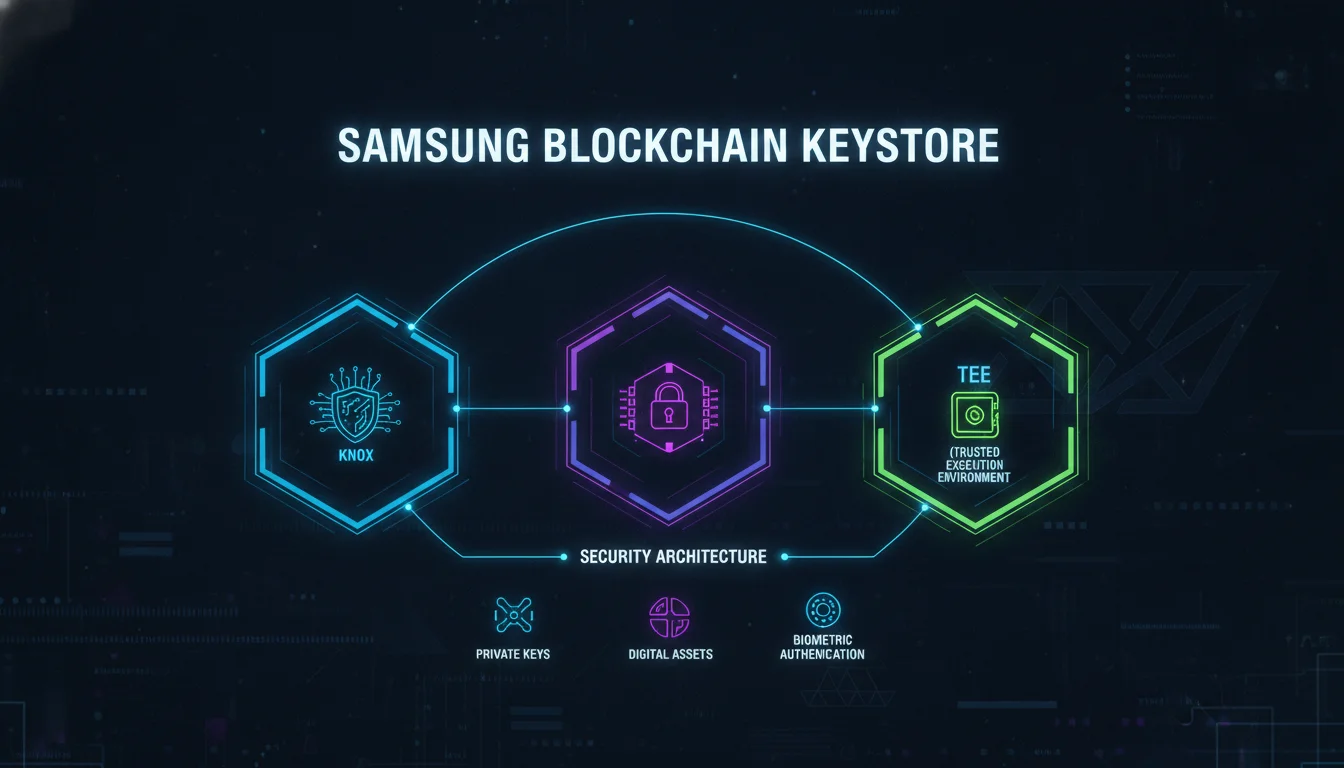
Samsung Blockchain Keystore uses ARM TrustZone, a well-established technology for implementing a Trusted Execution Environment in mobile devices. ARM TrustZone creates a secure area inside a main processor. As an isolated environment, it makes sure that the code and data loaded in the TEE are protected from software attacks and vulnerabilities in the Rich Execution Environment (REE). The REE is where normal Android apps run, while the TEE runs authorized Trusted Applications for sensitive operations.
Samsung Knox adds an additional layer of integrity protection. According to Samsung Developer architecture documentation, Samsung Knox allows Samsung Blockchain Keystore to guarantee that the device is running an approved binary and that the kernel has not been tampered with. If the device is compromised, Samsung Blockchain Keystore disables itself to protect your data. A rooted phone or a device with modified firmware will likely lose Keystore access as a result.
Trusted Execution Environment and Trusted UI
Inside the TEE, Samsung Blockchain Keystore runs Trusted Applications that handle operations requiring a high level of security, such as generating keys and signing a transaction in the blockchain network. The TEE is not a separate chip; it is a secure area inside the main processor that is logically isolated from the rest of the system. This isolation prevents malicious code in the Android OS from reading private key material.
Samsung Blockchain Keystore also provides a Trusted User Interface (TUI) that runs in the TEE. The TUI ensures that the display shown to the user is not maliciously modified and that user input is securely protected. Standard apps operating in the REE are susceptible to screen captures and keylogging, which could enable attackers to steal mnemonic words. The Keystore uses the TUI so that sensitive information, such as the 12-word recovery phrase, is securely displayed and entered without the risk of being compromised.
“Samsung Blockchain Keystore is isolated within the Samsung Knox TrustZone and protected by defense-grade Trusted Execution Environment (TEE) software. To ensure complete security, the private key and information located in the Samsung Blockchain Keystore are never saved to a Samsung or external cloud, nor is it seen by the devices’ Android OS.” – Samsung Developer
Defense-in-Depth: Hardware, Kernel, and App Layers
The security model spans multiple layers. At the hardware level, the Exynos chipset in some Galaxy devices includes a Physically Unclonable Function (PUF). According to Gate.com, the PUF technology embedded in the Exynos 9820 processor creates a key management foundation that is physically unclonable. This hardware root of trust helps ensure that private keys cannot be copied even if the memory is extracted.
At the firmware level, Samsung Knox verifies binary integrity and kernel state. At the application level, the Keystore never exposes private keys to Android OS or external cloud. This layered approach protects against data breaches, malware, and physical tampering. No single layer is expected to be perfect; instead, the combination of hardware isolation, firmware attestation, and secure display makes extraction extremely difficult.
“The PUF technology embedded in the Exynos 9820 processor creates a key management foundation that is physically unclonable.” – Gate.com
What Is Samsung Blockchain Keystore Used For?
Create, Store, Import, and Back Up Private Keys
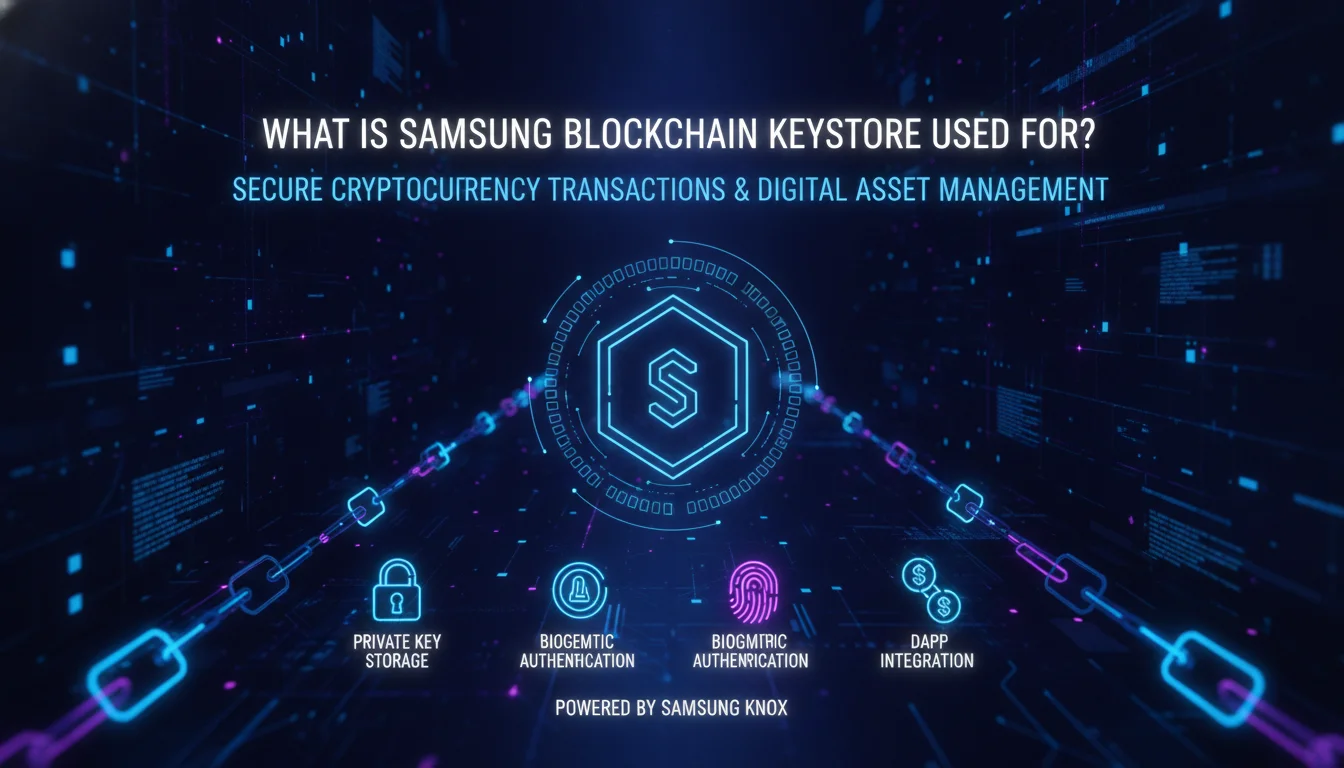
Samsung Blockchain Keystore lets you create and store blockchain-based private keys in a secure area of your device. You can also import an existing private key from a third-party service. According to Samsung support, the private key is protected through a preset mandatory PIN, with the option of further protection through fingerprint authentication. This gives users a balance of convenience and security.
The Keystore also supports backup of private keys. Because the private key never leaves the secure environment in plaintext, the main backup mechanism is the BIP-39 recovery phrase. Users who need to migrate to a new device can restore their wallet using the 12-word phrase, provided the new device supports BIP-39 compatible hierarchical deterministic wallets.
Sign Transactions and Authorize Digital Signatures
When you make virtual asset transactions, purchase blockchain-based content, sign a contract, or submit credentials in Samsung’s services or third-party services, you can authorize those actions with the private key stored in Samsung Blockchain Keystore. All you need to do is enter your PIN or fingerprint verification. After you sign, the payment or transaction information is sent to the blockchain network.
Before signing, the Keystore shows the transaction details on a secure Trusted UI. This means the user sees the recipient address, amount, and fee inside the TEE, not in the normal Android screen. This protects against a class of attacks where malware modifies the displayed address while the user approves a different transaction. The signing operation itself uses the private key derived from the Root Seed stored in the Secure File system.
Create a Wallet and Manage Recovery Passphrase
You can create your own wallet to store your cards and crypto assets. Samsung Blockchain Keystore uses a BIP-39 compatible HD wallet structure. BIP-39 is a standard that defines how mnemonic phrases can be used to derive hierarchical deterministic wallets. The recovery passphrase consists of 12 words required to access your wallet. Samsung support states that after you create a six-digit PIN and optionally add fingerprint authentication, you receive the 12-word recovery passphrase and the wallet creation process is complete.
The recovery phrase is shown once during setup. Losing it means losing access to your wallet if the device is lost or reset, because Samsung does not store your keys or passphrase in the cloud. Users should write down the phrase on paper or use a metal backup and store it in a secure location. The Trusted UI exists specifically to prevent screen capture and keylogging during mnemonic entry, so saving the phrase to a cloud note would undermine that protection.
Pros and Cons
Pros
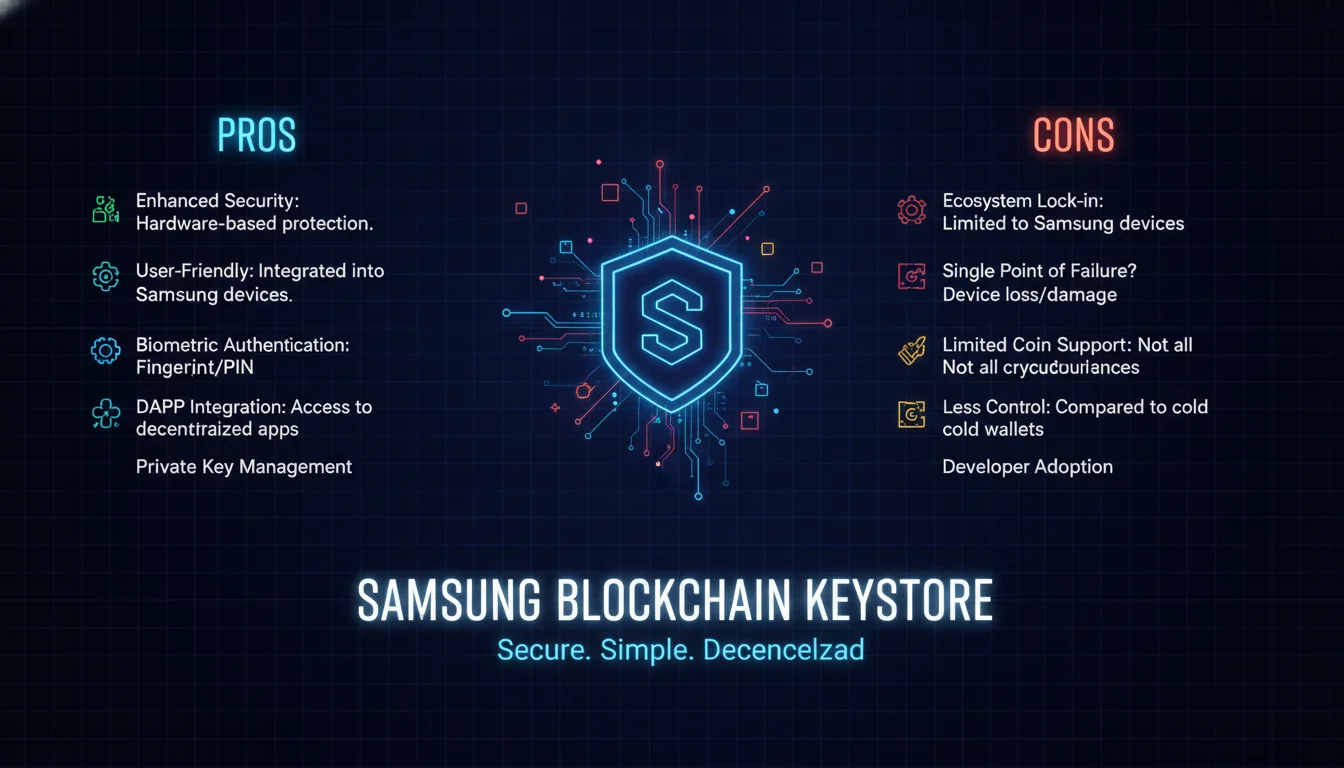
- Hardware-backed isolation: Private keys live inside ARM TrustZone and are never exposed to the Android OS or any cloud service.
- Blockchain-specific algorithms: Native support for ECDSA with secp256k1, the curve required by Bitcoin and Ethereum, rather than generic cryptographic primitives.
- Trusted UI protection: PIN entry, biometric confirmation, and mnemonic display all run inside the TEE, blocking screen capture and keylogging attacks.
- Preloaded convenience: No separate hardware device to carry; the security layer is built into supported Galaxy phones.
- Developer SDK: The Samsung Blockchain Keystore SDK v1.6.0 gives Android DApp developers a documented path to hardware-backed signing without managing keys themselves.
- Self-disabling on compromise: Knox detects rooted or tampered firmware and disables the Keystore automatically, limiting damage from physical attacks.
Cons
- Device lock-in: Samsung Blockchain Keystore is limited to selected Galaxy models; users on other Android or iOS devices cannot access it.
- API key friction: Developers must apply for an API key and wait several weeks for review, plus complete a separate DApp partnership for Samsung Blockchain Wallet listing.
- No cloud recovery: If you lose both your device and your 12-word recovery phrase, your funds are unrecoverable. Samsung cannot help.
- Not a dedicated secure element: The TEE shares the main processor rather than using a physically separate chip, which is a trade-off compared to some dedicated hardware wallets.
- Limited to supported cryptocurrencies: The SDK covers Bitcoin and Ethereum signing; support for other chains depends on what the SDK exposes at a given version.
How to Set Up Samsung Blockchain Keystore
Prerequisites and Access
Samsung Blockchain Keystore is preloaded on selected Galaxy devices, starting with the Galaxy S10 series introduced in early 2019. To access it, open the Settings menu, tap Security, and then select Samsung Blockchain Keystore. If the option is not visible, your device may not include the feature, or it may have been disabled because the device is compromised. The Keystore also works on devices that do not have the feature preloaded by installing the app from the Galaxy Store on supported models.
You do not need a Samsung account to use the Keystore itself, but you may need one for certain Samsung blockchain services. The Keystore relies on the device’s existing screen lock and biometric setup. If you have not set a secure screen lock, you will be prompted to create one before adding a fingerprint. This is because the Keystore uses the device lock as part of its authentication flow.
Wallet Creation Walkthrough
Samsung support provides a four-step process for wallet creation:
- Run the Settings menu and tap Security.
- Select Samsung Blockchain Keystore.
- Create a six-digit PIN and optionally add fingerprint authentication.
- Receive a recovery passphrase consisting of 12 words required to access your wallet; the wallet creation process is complete.
After completing these steps, a Root Seed is created and stored in the Secure File system. The Root Seed is the foundation for deriving private keys according to BIP-39 HD paths. The Keystore app will not display the recovery phrase again, so back it up immediately. The Root Seed itself never leaves the TEE, and the Keystore uses it to sign transactions without exposing it to the Android OS.
Backup and Recovery Best Practices
Back up the 12-word recovery phrase immediately after wallet creation. Write it down on paper or use a metal backup, and store it in a secure location. Do not save it as a screenshot or in a cloud note, because the Trusted UI exists specifically to prevent screen capture and keylogging attacks. If you lose your phone but retain the recovery phrase, you can restore your wallet on another compatible BIP-39 wallet. Never enter the phrase on an untrusted device, because that device could be compromised and drain your funds.
Samsung Blockchain Keystore also supports importing an existing wallet from a third-party service. This is useful if you already have a BIP-39 mnemonic or private key and want to use the Keystore’s hardware-backed signing. The import process uses the same Trusted UI for entering the mnemonic, reducing the risk of interception by malware.
Samsung Blockchain Keystore vs. Android Keystore and Other Wallets
Compared with Android Keystore
Android Keystore is a general-purpose cryptographic keystore built into Android for encryption, authentication, and app-specific keys. It does not parse blockchain transactions or display transaction details on a secure TUI. Samsung Blockchain Keystore is purpose-built for blockchain transactions and supports the secp256k1 curve required by Bitcoin and Ethereum. This specialized focus is a key differentiator.
Another difference is the trust boundary. Android Keystore keys are protected by the Android OS and the device’s secure hardware, but they are still tied to the general application environment. Samsung Blockchain Keystore goes further by combining Samsung Knox, ARM TrustZone, and a Trusted UI to create a dedicated blockchain signing path that is isolated from the REE.
Compared with Software Wallets
Software wallets run entirely in the Rich Execution Environment and often store keys encrypted on device or in app sandboxes. They can be vulnerable to malware, keyloggers, and screen capture. If the Android OS is compromised, a software wallet’s private keys may be exposed. Samsung Blockchain Keystore mitigates these risks by moving key generation, signing, and display into the TEE and Trusted UI. Even if the main Android OS is compromised, the private keys remain isolated inside the TEE.
Software wallets are generally easier to install and use across many devices, while Samsung Blockchain Keystore is limited to selected Galaxy models. Users who hold significant crypto assets on a Galaxy phone should prefer the Keystore over a software wallet for everyday signing. Users on non-Samsung devices must rely on other secure enclave solutions or dedicated hardware wallets.
Compared with Hardware Wallets
Dedicated hardware wallets like Ledger or Trezor are external devices that store keys offline. Samsung Blockchain Keystore provides similar isolation using a hardware-backed TEE inside the phone. It is not a separate physical device, but it uses the same principle of keeping private keys out of the main OS. For users who prefer not to carry an extra device, Samsung Blockchain Keystore offers convenience with defense-grade security.
One trade-off is that hardware wallets usually have a larger screen and a dedicated secure element, while a phone’s TEE relies on the integrated processor. For many users the phone-based TEE is sufficient, especially because the Keystore also verifies device integrity through Knox. Both approaches are far more secure than storing private keys in a software wallet.
| Feature | Samsung Blockchain Keystore | Android Keystore | Software Wallet | Hardware Wallet |
|---|---|---|---|---|
| Primary purpose | Blockchain key management and transaction signing | General-purpose app key storage | Cryptocurrency storage and transfers | Offline private key storage |
| Isolation | Samsung Knox TrustZone, TEE, Trusted UI | Android OS keymaster/keystore | App sandbox only | Physical device, air-gapped |
| Blockchain algorithms | ECDSA secp256k1 for Bitcoin and Ethereum | Not blockchain-specific | Depends on wallet library | Depends on firmware |
| Transaction parsing | Yes, shows details before signing | No | Usually yes, but in REE | Usually yes on device screen |
| Private key cloud backup | Never | Not applicable | Often optional or mnemonic only | Never |
Developer Integration with Samsung Blockchain Keystore SDK
SDK Overview and Version
Samsung provides the Samsung Blockchain Keystore SDK so Android DApps can communicate directly with Samsung Blockchain Keystore. According to Samsung Developer, the current SDK version is v1.6.0, released December 12, 2023. The SDK package includes an API reference, a programming guide, and a sample application. The download size listed by Samsung Developer is 431.47 KB for the SDK and 340.78 KB for the sample application.
The SDK is designed for developers who want to build blockchain applications that use the Keystore’s hardware-backed security without managing private keys themselves. By integrating the SDK, an Android app can request the user’s blockchain address, ask the Keystore to sign a cryptocurrency transaction, and check whether the user has completed wallet setup. This shifts sensitive key operations from the DApp to the Keystore app and TEE.
API Key and DApp Listing Process
To use the SDK, developers must request an API key from Samsung. According to Samsung Developer, the API key is issued after an internal team’s review, and it may take several weeks to complete the review process if there are many submissions. This review helps ensure that only legitimate applications gain access to Keystore features and that malicious DApps cannot trick users into signing transactions without proper disclosure.
In addition to the API key, listing a DApp in the Samsung Blockchain Wallet requires a separate DApp partnership. A developer cannot simply publish an app that uses the Keystore; the app must also be reviewed for the Samsung Blockchain Wallet ecosystem. The extra step adds friction but reduces the risk of phishing DApps appearing in Samsung’s curated environment.
Capabilities: Address, Signing, Status Check
The SDK can return a blockchain address linked to the user’s Keystore so developers can display balances and transaction history. It supports BIP-39 compatible HD wallet derivation paths, so developers can specify an HD path and receive the corresponding address. This allows a DApp to treat the user’s blockchain address like an account identifier without ever seeing the private key.
When a DApp requests a transaction signature, the Keystore shows the transaction details on the Trusted UI and requires PIN or biometric confirmation. The user must review the details and approve the transaction inside the TEE. Samsung Blockchain Keystore then signs the transaction with a private key derived from the Root Seed stored in the Secure File system. Developers can also check if the user is ready to use the Keystore and direct them to create a wallet if needed.
Is Samsung Blockchain Keystore Safe? Risks and Limitations
Can It Be Hacked or Compromised?
No security system is invulnerable, but Samsung Blockchain Keystore is designed to resist common mobile attacks. Because private keys never leave the TEE, malware in the Android OS cannot read them. The Trusted UI prevents keylogging and screen capture during PIN, biometric, and mnemonic entry. Samsung Knox checks that the device is running approved firmware; if the device is compromised, the Keystore disables itself. A remote attacker cannot extract private keys from Samsung cloud because they are never uploaded there.
The human element remains the weakest link. If a user writes down the 12-word recovery phrase and stores it insecurely, an attacker can steal funds without touching the phone. Phishing attacks that trick users into entering their recovery phrase on a fake website are also a major risk. The Keystore cannot protect users from their own mistakes, but it significantly reduces the technical attack surface.
Is It Necessary for Everyday Users?
For most users who do not hold cryptocurrency or use blockchain-based apps, Samsung Blockchain Keystore is not required. It sits idle until you create a wallet or approve a transaction. Users who own crypto, use DeFi apps, or sign blockchain-based credentials will benefit from hardware-backed key protection. If you only use Samsung Wallet for payment cards, the Keystore may be unnecessary, but it underpins secure blockchain features on Galaxy devices.
Samsung Blockchain Keystore does not slow down your phone or consume significant battery when not in use. It is a background security component. Many Galaxy owners will never interact with it directly. That is by design: it provides a secure foundation for compatible apps without requiring constant user attention.
Which Devices Support It?
Samsung Blockchain Keystore is available on selected Galaxy devices, starting with the Galaxy S10 series introduced in early 2019. According to Gate.com, Samsung integrated the Blockchain Keystore feature into the Galaxy S10 series, marking the first deep integration of a cryptocurrency wallet into the security layer of a flagship phone. First-year shipments of the Galaxy S10 series reached nearly 40 million units, bringing a large base of potential users to the cryptocurrency space.
Support for specific banks and card issuers is separate and relates to Samsung Wallet, not the Keystore itself. The Keystore focuses on blockchain private keys; banking and payment card tokenization is handled by Samsung Wallet. Users who want to know whether their bank is supported by Samsung Wallet should check Samsung’s regional support pages, because bank partnerships vary by country and device model.
Broader Blockchain Adoption Context
As noted in a Samsung Mobile Press article from October 2019, one of the major obstacles to taking blockchain mobile is security. The majority of blockchain applications at that time were PC or web-based, primarily because access to a blockchain requires both a public and private key, and storing those keys safely on a phone was unsolved. Samsung Blockchain Keystore was a direct response to that problem: move the key management into a hardware-isolated environment on the device itself, rather than relying on app-layer encryption that the OS could read.
As of 2026, that problem statement still holds. Most mobile blockchain security failures trace back to key exposure at the software layer, not to cryptographic weaknesses. A tool like Samsung Blockchain Keystore addresses the right threat model for mobile users.
In summary, what is Samsung Blockchain Keystore? It is a hardware-isolated security environment on selected Galaxy phones that stores private keys, signs transactions, and protects credentials with PIN or fingerprint. For crypto holders and DApp users, it provides a meaningful security upgrade over general software wallets; for everyone else, it remains a background feature that can be ignored until needed.
Frequently Asked Questions
Can my Samsung Wallet be hacked?
Any wallet can be targeted by phishing or user error, but Samsung Blockchain Keystore reduces technical attack risk by keeping private keys inside a Trusted Execution Environment. The keys are never stored in Samsung or external cloud, and the Trusted UI blocks screen capture and keylogging. Protect your 12-word recovery phrase and never share it.
Do I really need Samsung Wallet?
You only need Samsung Wallet if you want to store payment cards, loyalty cards, or use Samsung Pay features. For blockchain-specific private key storage, Samsung Blockchain Keystore is the relevant component, and it is necessary only if you use crypto or blockchain apps.
Which banks are supported by Samsung Wallet?
Samsung Wallet supports a range of banks and card issuers depending on your country and device model. This is separate from Samsung Blockchain Keystore, which does not interact with bank accounts and is used only for blockchain private keys. Check Samsung’s regional support pages for an up-to-date list.
Does Samsung use blockchain?
Yes, Samsung has integrated blockchain features since early 2019 with the Galaxy S10 series. Samsung Blockchain Keystore, Samsung Blockchain Wallet, and the Samsung Blockchain Platform SDK are examples of Samsung’s blockchain-powered services for key management, crypto transactions, and DApp integration.
Is Samsung Blockchain Keystore safe?
Samsung Blockchain Keystore is considered safe because private keys are isolated in Knox TrustZone and never exposed to Android OS or cloud storage. It adds a PIN, optional fingerprint, and Trusted UI. Security ultimately depends on protecting the 12-word recovery phrase and using uncompromised devices.
What is Samsung Blockchain Keystore used for?
It is used to create, store, import, and back up blockchain private keys, sign cryptocurrency transactions, and authorize digital signatures on supported Galaxy devices. It is the secure foundation for Samsung Blockchain Wallet and compatible DApps.